


OpenCart is still one of the most widely used open-source shopping carts, especially for small stores and in markets where hosting budgets are tight. It is light, quick to install and easy to understand. In 2026 it also had its first meaningful releases in a while: OpenCart 4.1.0.4 and 3.0.5.1, both published on 11 August 2026 with full PHP 8.5 support.
If you run an OpenCart store, here is what changed, which version line to be on, and the security questions to ask.
The two release lines
| Line | Latest | Notes |
|---|---|---|
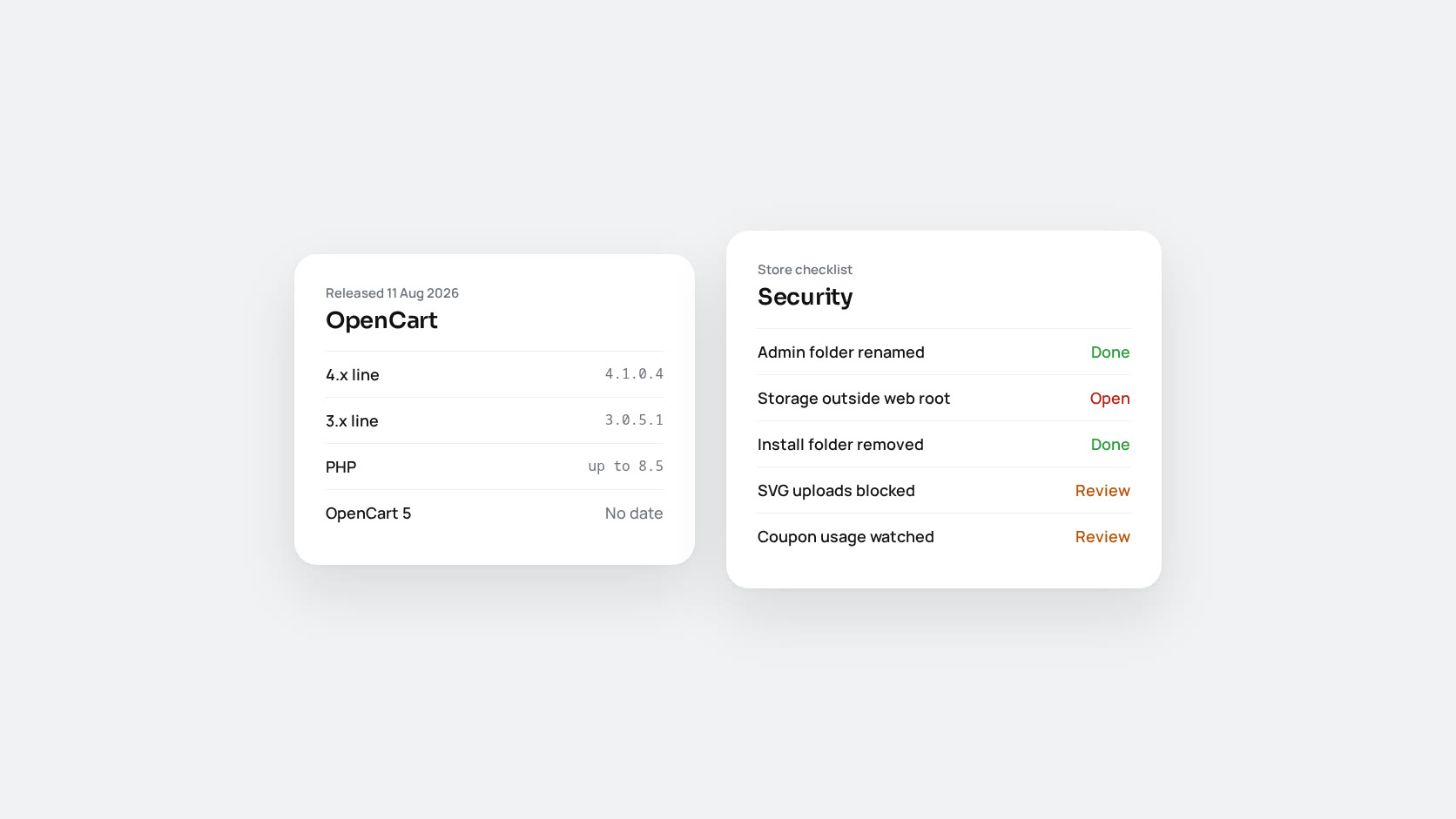
| OpenCart 4.x | 4.1.0.4 (August 2026) | Current architecture. Previous release 4.1.0.3 was in March 2025 |
| OpenCart 3.x | 3.0.5.1 (August 2026) | Older architecture, still maintained, still where most marketplace extensions live |
4.1.0.4 brings an updated upgrade script, fixes to the admin order editor, product variant overrides and SEO URLs, and what the changelog describes as numerous security and stability fixes. 3.0.5.1 updates third-party libraries so they work with PHP 8.5’s syntax changes. OpenCart 5 has been discussed but has no release date.
3.x or 4.x?
This is the question we are asked most. The honest answer depends on extensions. Many marketplace modules are still written for 3.x, and moving to 4.x means checking every one. If your store depends on several 3.x-only extensions and works well, staying on the patched 3.0.5.1 is a reasonable choice for now. If you are starting a new store, or your extensions support 4.x, choose 4.1.0.4.
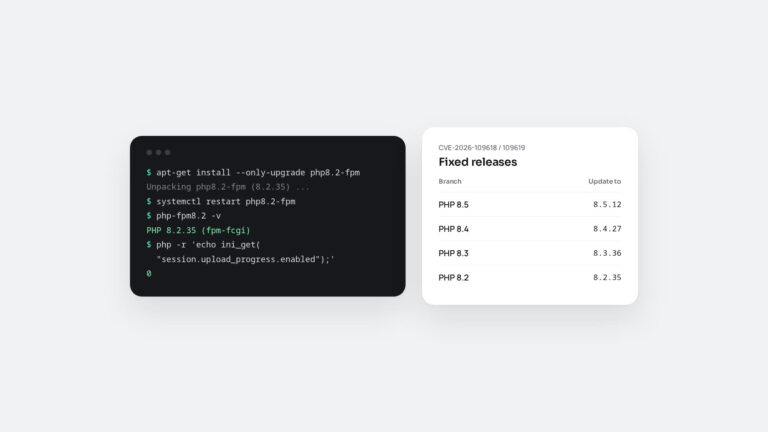
What is not reasonable is staying on an old release in either line. Both new releases exist mainly to keep stores running on supported PHP. PHP 8.2 stops receiving security fixes on 31 December 2026, and older OpenCart versions do not run correctly on newer PHP.
Security: questions to ask
OpenCart’s security record is mixed, and how quickly fixes arrive is a fair concern. Public vulnerability databases list several 2025 issues, for example:
- CVE-2025-15116: a race condition in single-use coupon handling, affecting versions up to 4.1.0.3. The advisory says a public exploit exists and that the vendor did not respond when contacted. It lets one coupon be redeemed more than once.
- CVE-2025-45892 and CVE-2025-45893: stored cross-site scripting through the blog editor and SVG uploads, listed against 4.1.0.4. These need access to the admin to exploit, which is one more reason to protect the admin carefully.
Questions to ask about your own store:
- Are you on 4.1.0.4 or 3.0.5.1? If not, plan the update.
- Is the admin protected? Rename the admin directory, as the installer recommends, restrict it by IP address or put it behind HTTP authentication, and give every user their own account with a strong password.
- Is the storage directory outside the web root? OpenCart 4 prompts you to move it after installation. Many stores skip that step.
- Was the install directory removed?
- Which extensions are installed, and who maintains them? Most OpenCart compromises we see start in a third-party extension, not in the core.
- Do you allow SVG uploads? If not needed, block them.
- Are coupons and gift vouchers monitored? Watch for one code used more often than it should be.
When OpenCart is the right choice
OpenCart suits small catalogues, simple pricing, a single store and a small budget, with someone technical to look after it. It gets harder as a business grows: many languages and currencies, B2B pricing, complex promotions, heavy integrations and high traffic all push against its design. At that point, the choice is usually between Magento for full control and a hosted platform such as Shopify or BigCommerce for less operations work.
If OpenCart works for you today, keep it, but keep it patched. If you have outgrown it, plan the move before a peak season forces it.