


When a Magento store goes down, everyone knows within minutes. When it breaks quietly, it can take weeks. In our experience, quiet failures cost merchants more than outages, because they run longer and nobody is looking for them.
Here are six of the most common, how they show up in the business numbers, and how to catch each one early. For each, we also note which MageMonitor check is designed to find it.
1. JavaScript errors at checkout
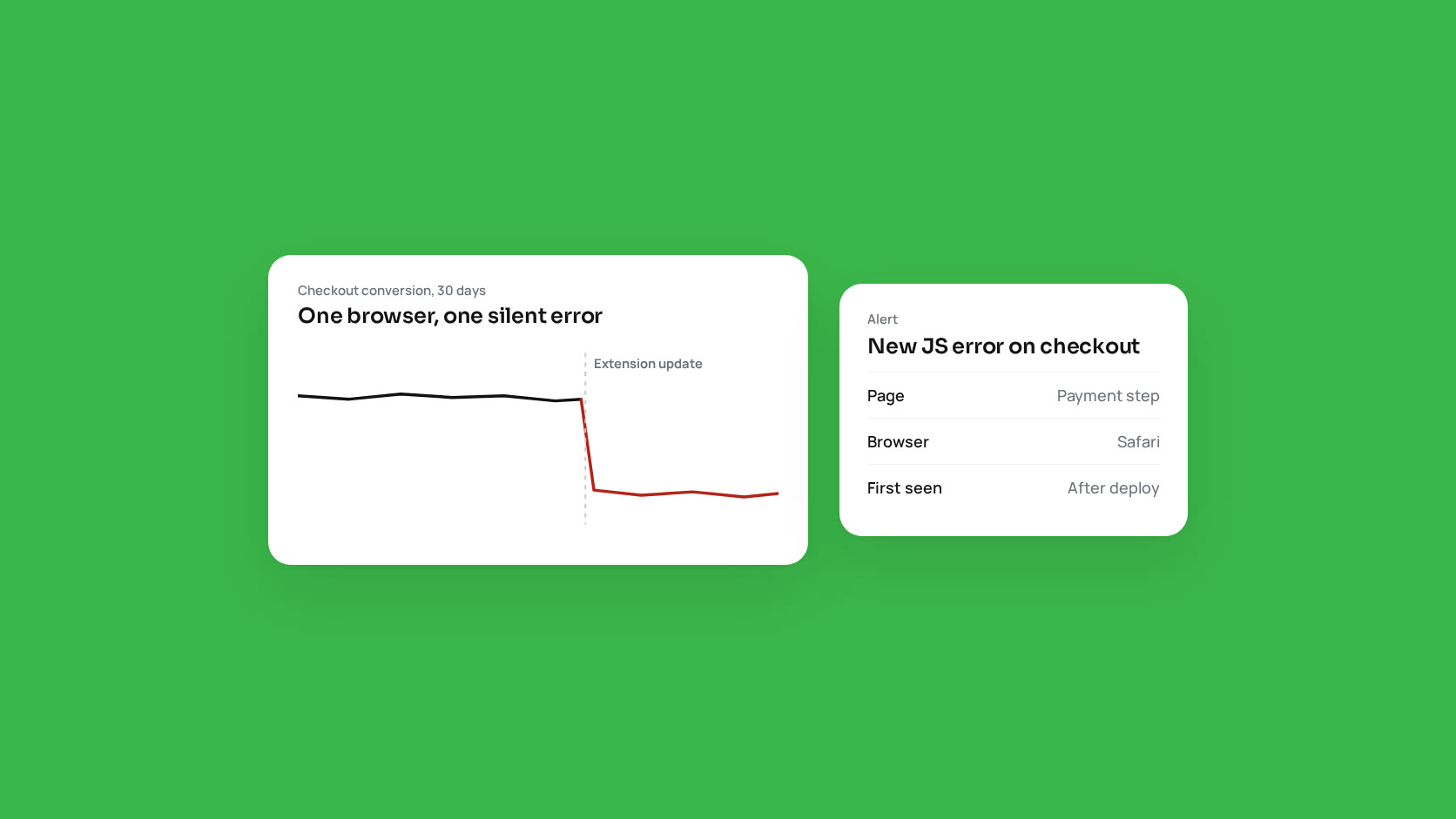
What happens: an extension update, a theme change or a third-party script introduces an error that only appears for some customers: one browser, one payment method, one country. The page loads, but the “Place order” button does nothing.
How it shows up: checkout conversion drops for one segment. Overall numbers move a little, so it is easy to blame seasonality.
How to catch it: collect JavaScript errors from real visitors, not just from your own testing, and look at checkout pages separately. MageMonitor’s JS Errors tab records errors from real sessions and can filter to checkout pages, so a new error after a deployment stands out immediately.
2. Cron that stopped, or fell behind
What happens: a server migration, a permissions change or a crashed job stops cron, or a long-running job blocks the rest so they run hours late.
How it shows up: missing order confirmation emails, stock and prices that do not update, sitemaps that go stale, and support tickets from worried customers.
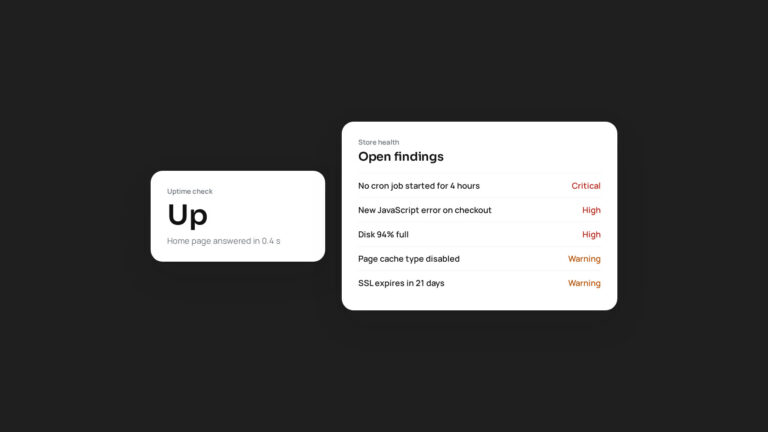
How to catch it: alert when no cron job has started for 15 minutes, when jobs fail on their latest run, and when pending jobs are overdue. MageMonitor’s cron checks cover each of these, plus cron running as root and stuck jobs, and show Magento’s own error message with the likely cause.
3. Slow pages that nobody notices internally
What happens: a category with a heavy layered navigation, a product with hundreds of options, or a search query that skips the cache takes several seconds on the server. Staff rarely see it, because their pages are cached or they browse on fast office connections.
How it shows up: higher bounce rates on specific pages, lower conversion on mobile, and rising server costs.
How to catch it: time every request on the server and record the slow ones with their URL. MageMonitor logs every request above a threshold you set (two seconds by default) and can read the PHP-FPM slow log to show which module and function the time was spent in.
4. Full-page cache quietly turned off
What happens: a cache type gets disabled during a deployment and never re-enabled, or a layout change makes pages uncacheable.
How it shows up: the whole site gets slower and the server works harder, but nothing errors.
How to catch it: check cache type status on every scan and watch the cache hit rate. MageMonitor checks Magento cache types, Varnish hit rate, Redis and OPcache in its cache health checks, and shows live metrics that refresh every ten seconds.
5. Disk and database growth
What happens: logs, report tables, old quotes and cron history grow every day. Nothing happens until the disk or database volume is full. Then everything fails at once.
How it shows up: suddenly, as a full outage, often at night or during a sale.
How to catch it: alert on disk and database storage well before they are full, and find the tables that grow without cleanup. MageMonitor tracks storage against warning and critical thresholds and identifies known bloat tables and missing indexes in its background database analysis.
6. Certificates and patches that expire
What happens: an SSL certificate on a secondary domain fails to renew, or the store falls months behind on security patches and PHP reaches end of life.
How it shows up: browser warnings that stop customers cold, or a security incident.
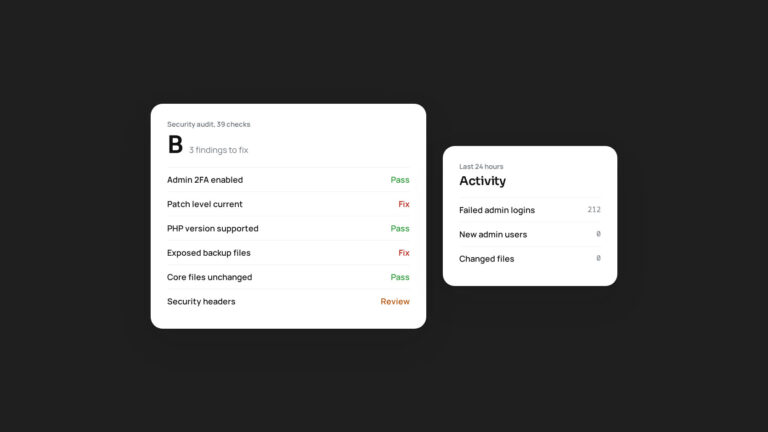
How to catch it: check every certificate’s expiry date, and review patch level and PHP support dates regularly. MageMonitor checks certificates for all store domains every six hours, warns 30 days ahead and escalates at seven. Its security audit includes patch level and PHP support dates among 39 graded checks.
Turning checks into a habit
You can run every one of these checks by hand, and a disciplined team with a weekly checklist will catch most of them. The weakness of manual checks is that they stop the week someone is busy, which tends to be the week something breaks.
Automated monitoring removes that weakness. Whether you use MageMonitor or build your own checks, the goal is the same: when something breaks quietly, you should be the first to know, not your customers.