


Most Magento stores have some form of monitoring, and it is almost always the same thing: a service that loads the home page every few minutes and sends an email if it fails. That is worth having. But in our experience, outages are a small share of what costs a store money. The expensive problems are the ones where the home page loads perfectly while something behind it is broken.
This article explains the gap between “the site is up” and “the store is healthy”, and how we built MageMonitor to close it.
What an uptime check cannot see
Here are situations we see on Magento stores again and again. In every one, an uptime monitor showed green.
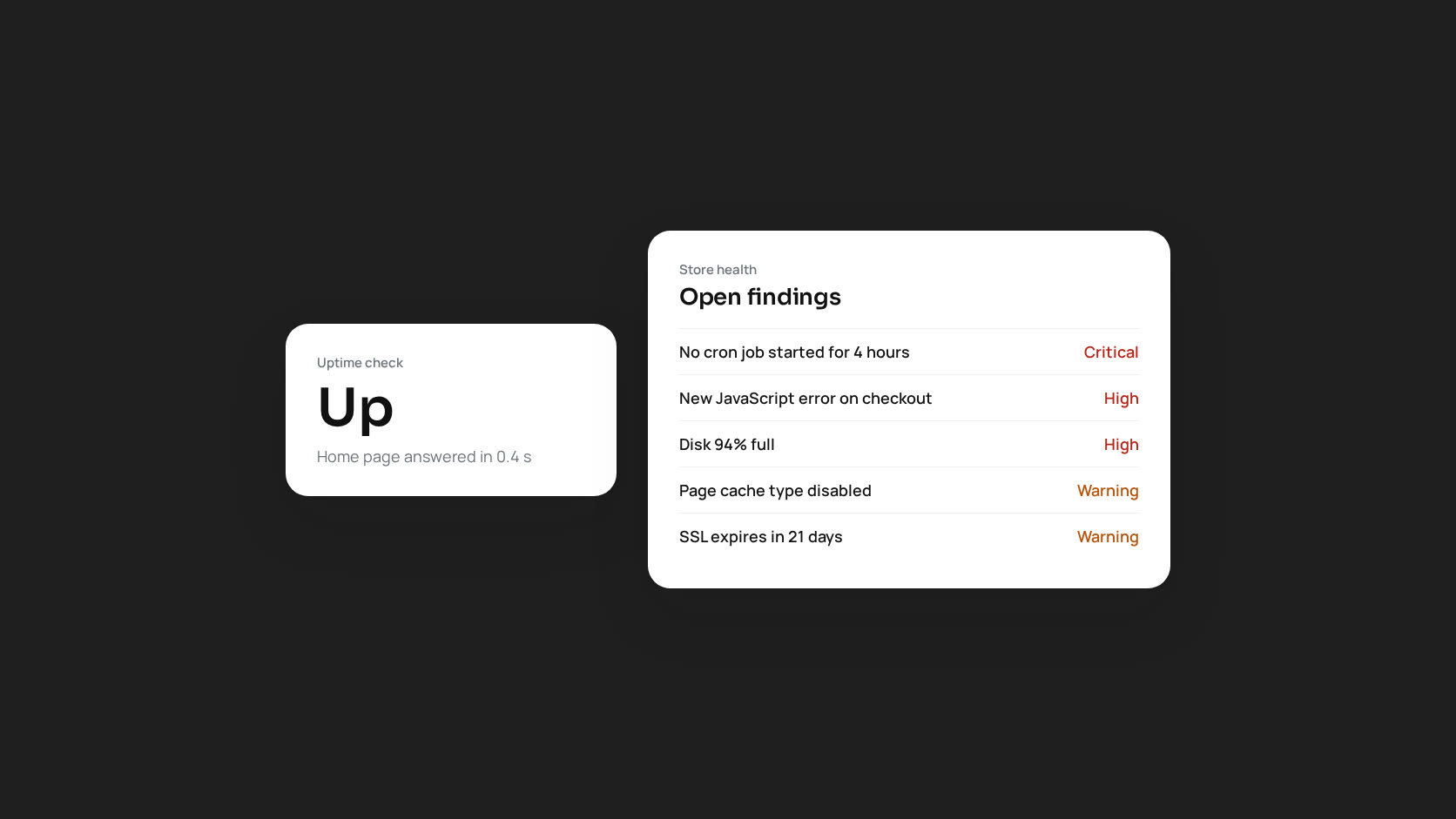
- Cron stopped after a server change. No order confirmation emails, no reindexing, no sitemap updates for four days. Customers started calling to ask whether their orders had gone through.
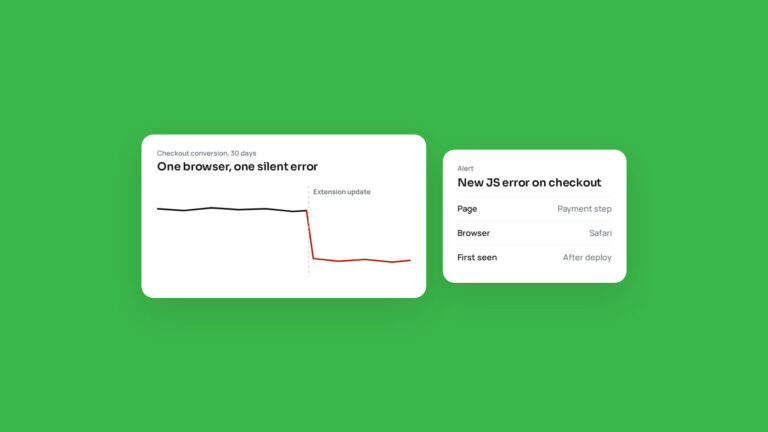
- A JavaScript error on the payment step, after an extension update, in one browser only. The home page was fine. Checkout conversion on that browser dropped to zero.
- Full-page cache was effectively off because of one uncacheable block. The site worked, just slowly, and the server bill rose as traffic grew.
- The disk was 97% full because of log files nobody rotated. The site was up until the database could no longer write, and then the whole store went down at once.
- A skimmer script was injected into the checkout through a CMS block. The site looked and worked exactly as normal.
An uptime check asks one question: does a page answer? A store needs answers to dozens.
What healthy actually means for Magento
We think of store health in five layers, and each needs its own checks:
| Layer | Typical silent failures |
|---|---|
| Server | Disk filling, memory pressure, PHP-FPM out of workers, OPcache full, Redis evicting keys |
| Magento | Cron dead or backlogged, indexers invalid, caches disabled, order emails not sent, log errors |
| Database | Tables growing without cleanup, slow queries, missing indexes, storage near capacity |
| Frontend | JavaScript errors for real visitors, slow pages, full-page cache misses |
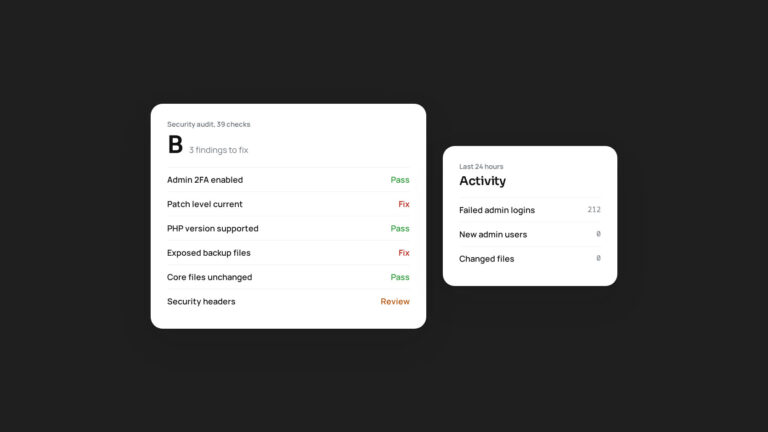
| Security | Missing patches, unsupported PHP, exposed files, changed core files, new admin users, brute-force attempts |
How MageMonitor approaches it
MageMonitor is a Magento 2 extension that runs inside your store and checks all five layers on a schedule. It has ten detectors covering more than 100 conditions across the server, database, cache, cron, frontend, security, search, performance, extensions and Magento core. Findings appear in the Magento admin with a severity and instructions to fix them.
A few design decisions matter more than the feature list:
- It reads the store from the inside. Because it runs as part of Magento, it can check things an external service cannot: cron history, indexer state, cache types, the database, the PHP-FPM slow log and order email status.
- It still checks from the outside too. Uptime checks run every three minutes, on the home page and any extra URLs you add, such as checkout or an API endpoint. An alert is sent only after consecutive failures, so a single blip does not wake anyone up. SSL certificates for every store domain are checked every six hours.
- Alerts are calm by design. Only critical and high findings interrupt you, by email, Slack or webhook. Everything else arrives in a scheduled report at an interval you choose. A health score alert fires once when the score drops below your threshold, not every few minutes while it stays there.
- Each finding comes with a fix. Common fixes, such as flushing caches, reindexing, clearing generated code or clearing stuck cron jobs, can be run from the dashboard. Every action is recorded in an audit log.
- Access follows roles. Each dashboard tab has its own permission, so a store manager can see uptime and the health report while only developers can run fixes or see server internals.
Uptime monitoring is still part of it
None of this replaces knowing the store is reachable. It adds the rest of the picture. If you already pay for an external uptime service, keep it. A second opinion from outside your own infrastructure is valuable. MageMonitor covers what that service cannot see.
The real benefit: finding out first
Every problem in the list at the top of this article was eventually found by a customer. The goal of monitoring is to reverse that: you hear about the dead cron job, the checkout error or the full disk before a customer does, ideally before it costs a single order.
That is why we built MageMonitor for our own clients first, and why we now offer it to every Magento store. You can see the full feature list and video tour on the product page.