


September 2026 was a hard month for Magento merchants. StyleSmuggler (CVE-2026-75650), a maximum-severity flaw in Magento’s template engine, was exploited for three days before a fix existed. Attackers left backdoors and web shells on stores, and Adobe told merchants to rotate essentially every credential the store held.
Patching closed the hole. It did not tell anyone whether their store had already been compromised, or how to notice the next one sooner. That is a monitoring problem. Here is what we believe every Magento store should watch, every day, and how MageMonitor does it.
Patching is necessary but not enough
Every serious Magento incident follows the same pattern: a vulnerability, a window before patches are applied, then attackers using that window to install something that survives the patch. The window is never zero. Even a team that patches the same day was exposed between the first exploit and the fix.
So the question is not only “are we patched?” but also “would we notice if someone got in?”. These are the signals that answer the second question.
1. Files that change outside deployments
Backdoors and web shells are files. A PHP file that appears in a media folder, or a core file that changes when nobody deployed anything, is one of the strongest signs of a compromise.
What MageMonitor does: its file integrity monitoring tracks changes to the store’s code, and the security audit looks for web shells and injected skimmer scripts.
2. New admin users and integrations
After getting in, attackers often create an admin account or an API integration so they can come back after the original hole is closed.
What MageMonitor does: an admin account review shows every admin user and flags risky ones, and a login audit trail records admin logins.
3. Brute-force and suspicious logins
Not every attack uses a new vulnerability. Many simply try passwords against the admin login.
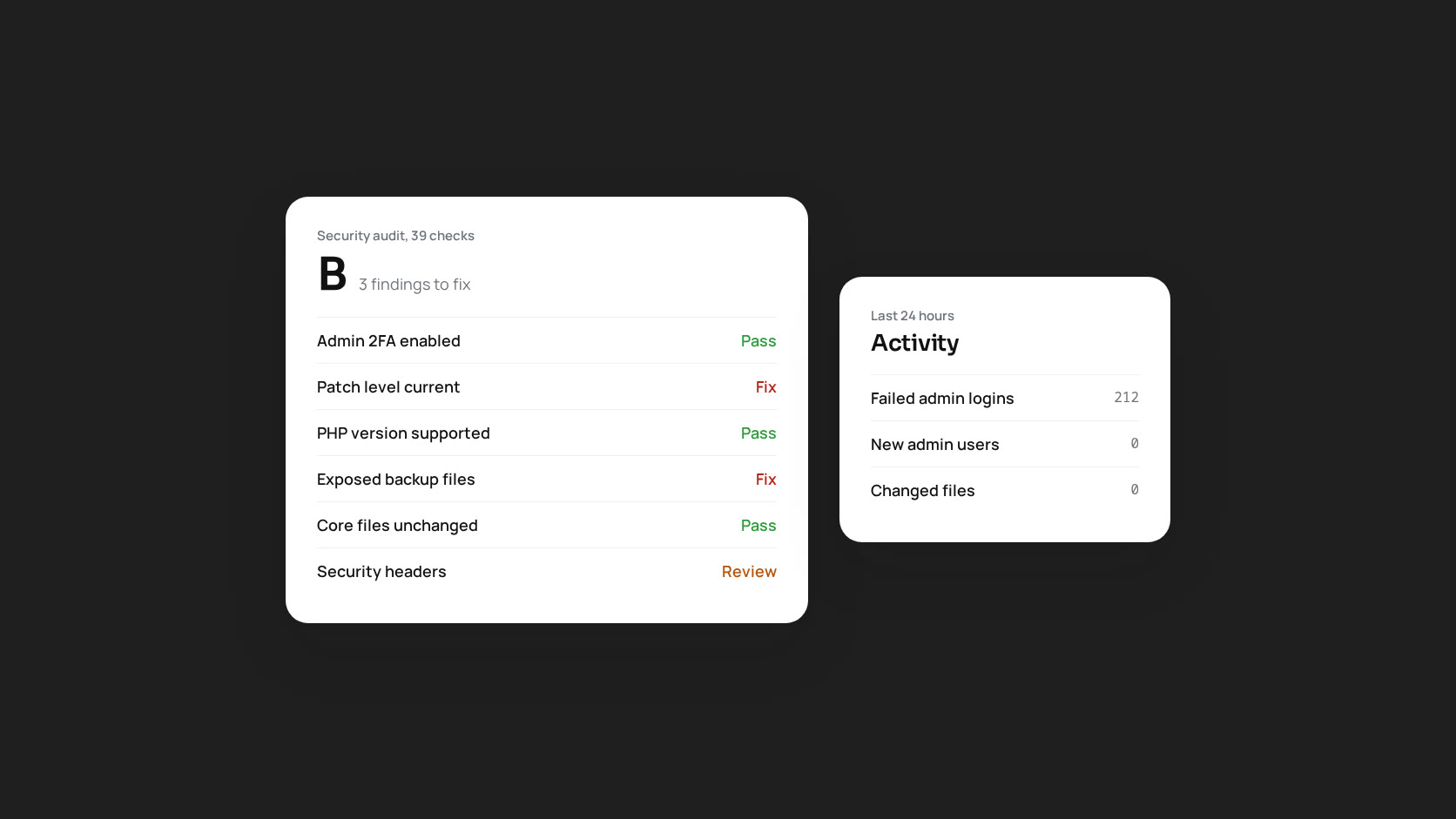
What MageMonitor does: brute-force detection highlights repeated failed logins, alongside checks on admin access settings and two-factor authentication.
4. Scripts on the checkout
Card skimmers are JavaScript. They are often hidden in CMS blocks or design configuration in the database rather than in files, which is why file checks alone are not enough.
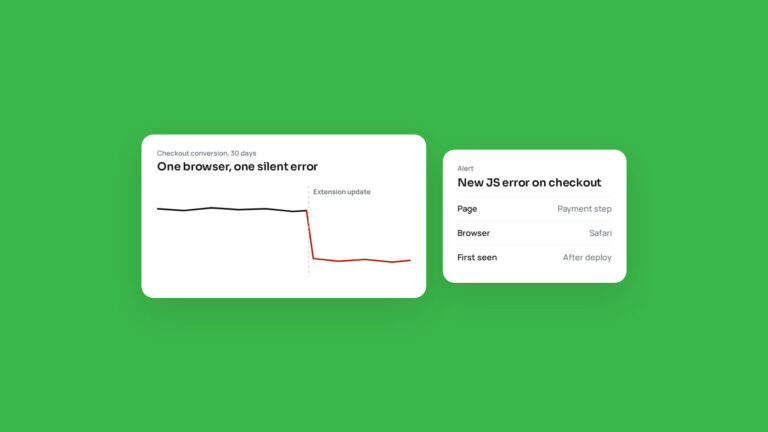
What MageMonitor does: the security audit checks for injected skimmer scripts, and the JS Errors tab, which records errors from real visitors, often surfaces unfamiliar scripts on checkout pages because injected code is rarely error-free.
5. Patch level, PHP support and exposed files
The basics still matter most: how far behind on patches is the store, is PHP still supported, and are files like database dumps, Git folders or environment backups reachable from the web?
What MageMonitor does: its security audit grades 39 checks, including patch level and PHP support dates, exposed secret files, admin access and 2FA, and security headers. Each finding comes with instructions to fix it.
6. Who did what, after the fact
During an incident, the first questions are always “what changed, and who changed it?”. Answering them from scattered logs takes hours.
What MageMonitor does: the timeline and audit log record scans, findings and every action taken from the dashboard. Role-based access lets you give a security officer the security, WAF, traffic and audit views without access to anything else.
Alerts that people actually read
Security monitoring fails most often because of noise. Teams that get fifty alerts a day stop reading them. MageMonitor sends only critical and high findings as immediate alerts, by email, Slack or webhook, and groups the rest into a scheduled report. Repeated alerts for the same open issue are suppressed, so a new alert means something new.
What to do this week
- Confirm the September hotfix and all later monthly patches are applied, and write down where that record lives.
- Review every admin user and integration. Remove anything nobody can explain.
- Rotate credentials if the store was patched after 4 September 2026, following Adobe’s list.
- Look for PHP files in
pub/media,pub/staticandvar. - Set up monitoring that would catch the next compromise within hours, not weeks.
MageMonitor covers step five inside your Magento admin. Whatever tool you use, make sure the next incident is found by you, not by your customers’ banks.