


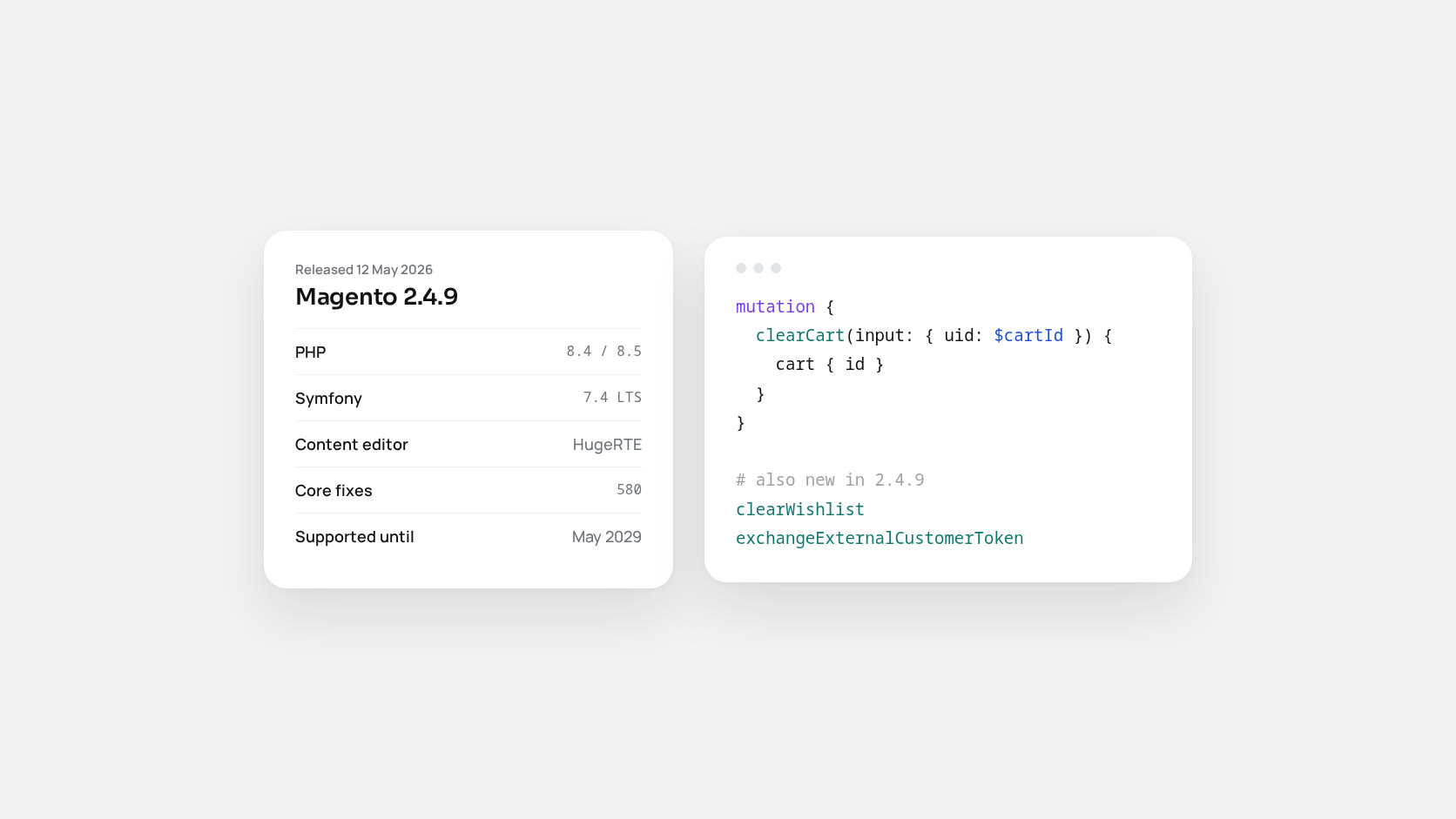
Magento Open Source and Adobe Commerce 2.4.9 reached general availability on 12 May 2026. Do not expect a long list of new storefront features. Most of the work went into the platform underneath: newer PHP and Symfony, a replacement for the admin’s content editor, security hardening and 580 core fixes. For most stores this release decides how long they can stay supported, not what they can sell.
This guide covers what changed, what tends to break, and how to decide when to upgrade.
Why 2.4.9 matters more than it looks
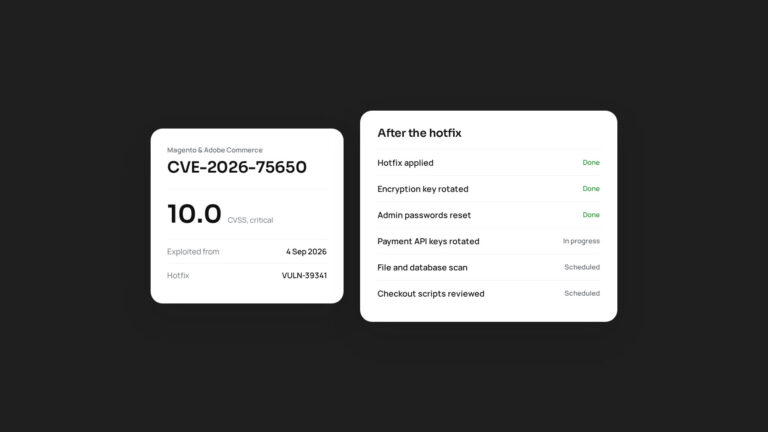
Under Adobe’s current policy, every 2.4.x release gets three years of support from its release date. 2.4.9 is supported until May 2029, the longest runway available today. Older lines run out sooner, and once regular support ends, a store stops receiving the monthly security patches that Adobe has shipped since July 2026. September’s StyleSmuggler zero-day showed what that means in practice: stores on supported versions got a hotfix within three days, and stores on retired versions had nothing to apply.
Platform changes
- PHP 8.5 support, with PHP 8.4 still compatible. That puts the store on PHP branches that receive security fixes until the end of 2028 (8.4) and 2029 (8.5).
- Symfony 7.4 LTS for the Symfony components Magento depends on.
- Updated Composer support. Upgrade Composer on your build servers before you start.
- Newer search and cache backends. Coverage of the release points to OpenSearch 3 compatibility and Valkey as a cache option. Check Adobe’s system requirements page for the exact supported versions before planning infrastructure work.
A new WYSIWYG editor
TinyMCE 5 and 6 reached end of life, and TinyMCE 7 came with licence terms that do not fit an open-source platform. Adobe chose HugeRTE, an MIT-licensed fork, as the replacement. Merchants will mostly see the same editing experience. Extensions that add buttons or plugins to the old editor are the risk, so test every admin screen where your team edits content, not just CMS pages.
GraphQL and API additions
For headless storefronts and mobile apps, these are the useful changes:
clearCartis now available in Open Source, and a newclearWishlistmutation has been added.exchangeExternalCustomerTokensupports integration-based customer authentication, useful for single sign-on and app flows.OrderTotal.grand_total_excl_taxexposes the grand total without tax.- Queries can return the applied customer group, customer segment and cart rule IDs, which makes personalisation logic simpler.
- reCAPTCHA validation now covers
updateCustomer,updateCustomerV2andcontactUs, and CAPTCHA applies to account creation through REST and GraphQL. - A new admin setting controls how guest and customer carts merge at sign-in.
Security hardening
- The JWT library was upgraded, and a third-party OAuth package was replaced with native PHP code.
- Admins can set a minimum admin password length.
- Two-factor authentication now needs only one enabled provider to be configured, which removes a common setup headache.
- Subresource Integrity (SRI) hashes are stored per area, theme and locale instead of one large file. That cuts memory use on every page and fixes a scaling problem many stores hit after the PCI DSS 4.0 changes.
Performance fixes worth knowing
- Bulk asynchronous API endpoints are fast again after a slowdown introduced by an earlier security patch.
- The Media Gallery folder tree loads on demand, which helps stores with large media libraries.
- Attribute loading in EAV collections, analytics cron jobs and aggregated sales reports were optimised.
What tends to break
In our upgrade work, the core is rarely the problem. These are:
- Third-party extensions that override core classes, depend on the old editor, or pin old library versions in
composer.json. - Custom code using removed methods. For example, the deprecated
getEscaper()method has been removed in favour of constructor injection. - Infrastructure drift. A staging server on different PHP, database or search versions from production makes the upgrade test meaningless.
- Deployment steps.
setup:upgradeclears static content. If static content deployment is not part of the same maintenance window, the admin panel returns errors while full-page cache hides the problem on the storefront.
How to plan the upgrade
- Audit extensions first. List every module with its vendor’s stated 2.4.9 support. Remove the ones nobody uses. This step usually decides the timeline.
- Upgrade PHP as its own project where possible, so that a PHP problem and a Magento problem never arrive on the same night.
- Rebuild staging to match production, then run the upgrade, compile, deploy static content and test the flows that earn money: search, product pages, cart, checkout, payment callbacks, order emails, imports and cron.
- Apply the latest isolated security patches for 2.4.9 straight after the upgrade, before you go live.
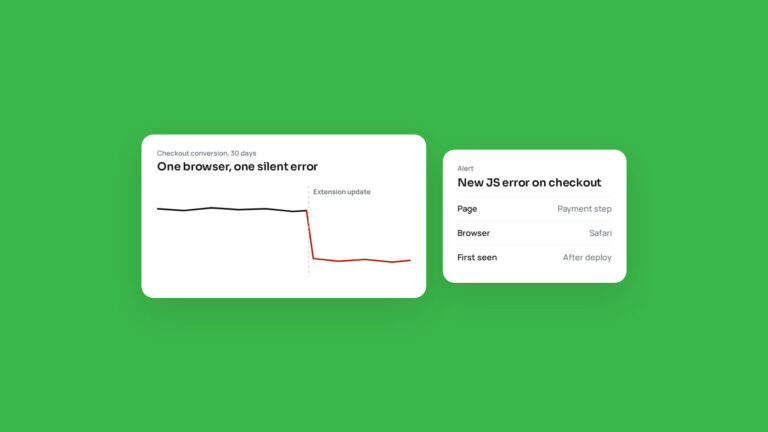
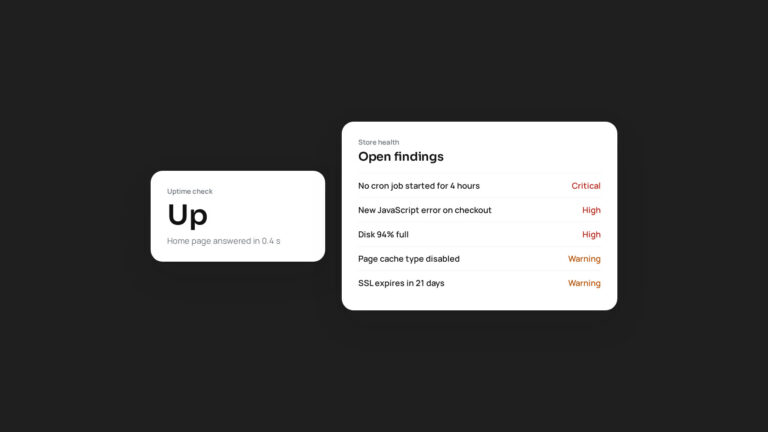
- Watch the store closely for the first week. Slow pages, cron failures and JavaScript errors at checkout are the usual signs that something was missed.
If you are on 2.4.6 or older, 2.4.9 is the version to target. If you are on 2.4.7 or 2.4.8, plan the move within the next year, before your line’s support window closes.
We upgrade and maintain Magento stores. If you want a realistic estimate for your store, send us your module list.