


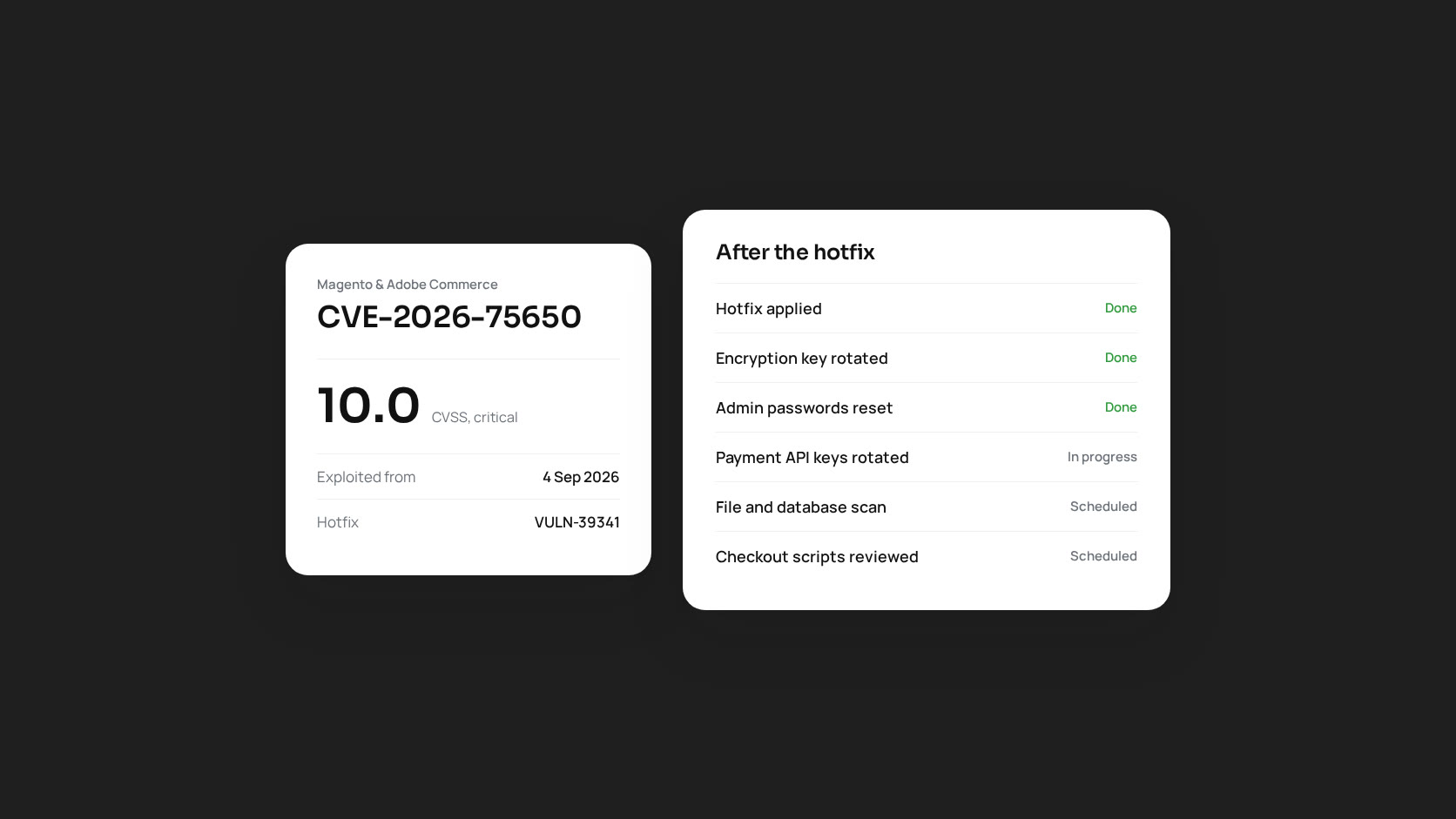
In September 2026 Magento had its most serious security incident in years. CVE-2026-75650, which Sansec named StyleSmuggler, is a flaw in the template engine of Magento Open Source and Adobe Commerce that lets an unauthenticated attacker run code on the server. It is rated CVSS 10.0, the maximum, and it was exploited as a zero-day before any fix existed.
Six weeks later, the emergency is over for stores that patched quickly. But many stores patched without checking whether they had already been compromised, and the incident showed some weaknesses in how many merchants handle security updates. This article covers both.
Timeline
| Date | Event |
|---|---|
| 4 September 2026 | Sansec detects active exploitation of an unknown Magento vulnerability |
| 7 September 2026 | Adobe releases the emergency hotfix VULN-39341 under bulletin APSB26-146 |
| 8 September 2026 | CISA adds CVE-2026-75650 to its Known Exploited Vulnerabilities catalogue. Adobe ships its regular September isolated security patch (APSB26-138) the same day |
Attackers had about three days of exploitation before any fix was available, and many stores took days or weeks longer to apply it.
Who was affected
According to Adobe’s bulletin, the affected versions are Adobe Commerce 2.4.4 to 2.4.9, Magento Open Source 2.4.6 to 2.4.9, and Adobe Commerce B2B 1.3.3 to 1.5.3, all up to the August 2026 builds. In practice that is every supported Magento 2 store.
Stores on releases older than those listed did not get an official fix at all. That is a recurring cost of running an end-of-life version: when something like this happens, you are on your own.
What attackers did with it
Sansec and other researchers observed attackers installing a Linux backdoor written in Rust and a separate PHP web shell. That matters for how you respond. A backdoor survives the patch. Applying the hotfix closes the door the attacker came in through, but it does nothing about what they left behind.
Adobe’s guidance went beyond patching
Adobe’s instructions for this bulletin were unusually thorough, and worth reading even for stores that were never attacked. After applying the hotfix, it asks merchants to rotate essentially every secret the store holds:
- The Magento encryption key
- All admin user passwords
- REST, SOAP and GraphQL integration tokens
- OAuth client secrets for connected apps
- Payment gateway API credentials, at each provider
- Database credentials, SSH and deploy keys
- API keys for shipping, tax and other third-party extensions
Adobe also points out that rotating the encryption key alone does not invalidate credentials that may already have been copied. If an attacker read your env.php or your configuration table, they hold your payment gateway keys whatever key Magento now uses to encrypt them.
Checking whether a store was compromised
If your store was patched after 4 September, it is worth checking even if nothing looks wrong. Card skimmers and backdoors are designed not to be noticed.
- Files: look for PHP files modified or created since early September, especially in
pub/media,pub/static,varandgenerated, where PHP code has no business being. - Processes: look for unfamiliar long-running processes owned by the web server user and outbound connections to unknown hosts.
- Database: review admin users, integrations, CMS blocks and the
core_config_datatable for scripts you did not add. Skimmers are often hidden in design configuration and CMS content rather than in files. - Cron: check the system crontab and Magento’s
cron_schedulefor jobs you do not recognise. - Checkout: load the checkout in a clean browser and review every external script it loads.
If you find something, treat it as an incident: preserve evidence, rebuild from a known good source rather than deleting files one by one, rotate every credential, and tell your payment provider.
Lessons for the next one
Monthly patches are now the norm
Since July 2026, Adobe has delivered Commerce security fixes as monthly isolated patches rather than waiting for full patch releases. That is a good change: smaller patches are faster to review and apply. But it only helps stores that actually apply them every month. Many of the stores hit hardest had skipped several months of patches, which made the emergency hotfix harder to apply as well.
Know how to patch before you need to
The stores that patched within hours had a documented process: where patches come from, how they are applied (Composer patches or git apply), how to test on staging, and how to deploy with maintenance mode, DI compilation and cache flushes. The stores that took weeks were usually working that out under pressure.
Watch more than uptime
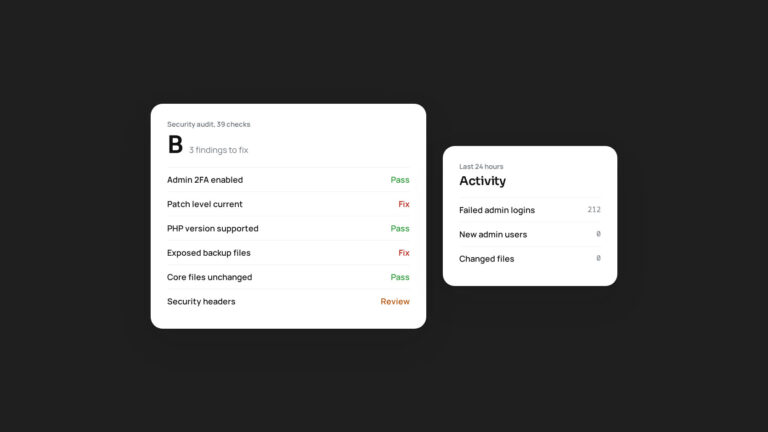
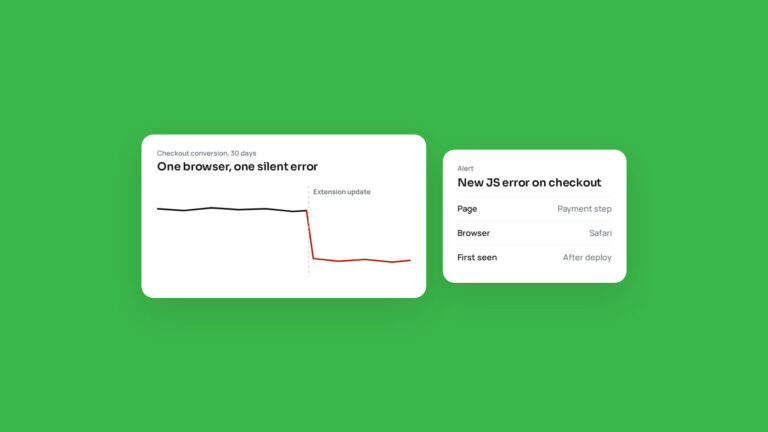
An uptime check would never have caught StyleSmuggler. A store can be up, fast and fully functional while sending every card number to an attacker. Useful monitoring for Magento includes file integrity checks, alerts for new admin users and integrations, and checks of the scripts loaded on checkout.
Fewer secrets in more places
The credential rotation list above is long because a typical Magento store holds a lot of other systems’ keys. Use restricted API keys where providers offer them, remove integrations you no longer use, and keep a written list of every credential so rotation takes an hour, not a week.
We maintain Magento stores and build extensions for them. If you want a second pair of eyes on a store that was patched late, get in touch.